ChatGPT can now turn a prompt or a photo into an animated GIF. OpenAI shipped it on November 4, 2026, in an update called ChatGPT Images 2.6, with playback speed and per-frame editing in the app (OpenAI's announcement). The same thing is available to developers: the Image API takes output_format: "gif" (OpenAI image generation guide).
I spent the evening of the launch making three of them, two in my own ChatGPT account and one through the API. These are my notes. Every number below is from those three files, not from a benchmark.
What the app actually draws
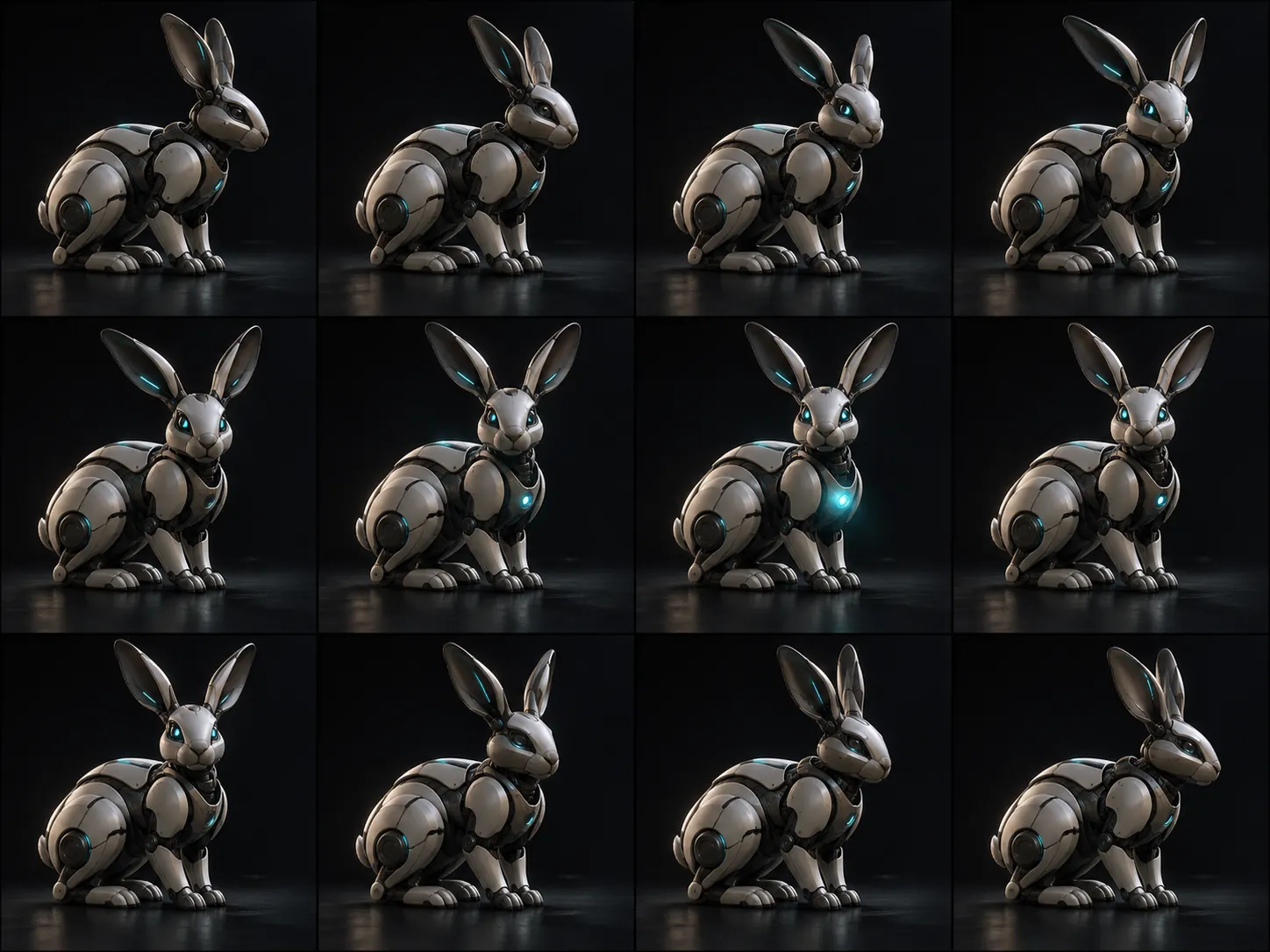
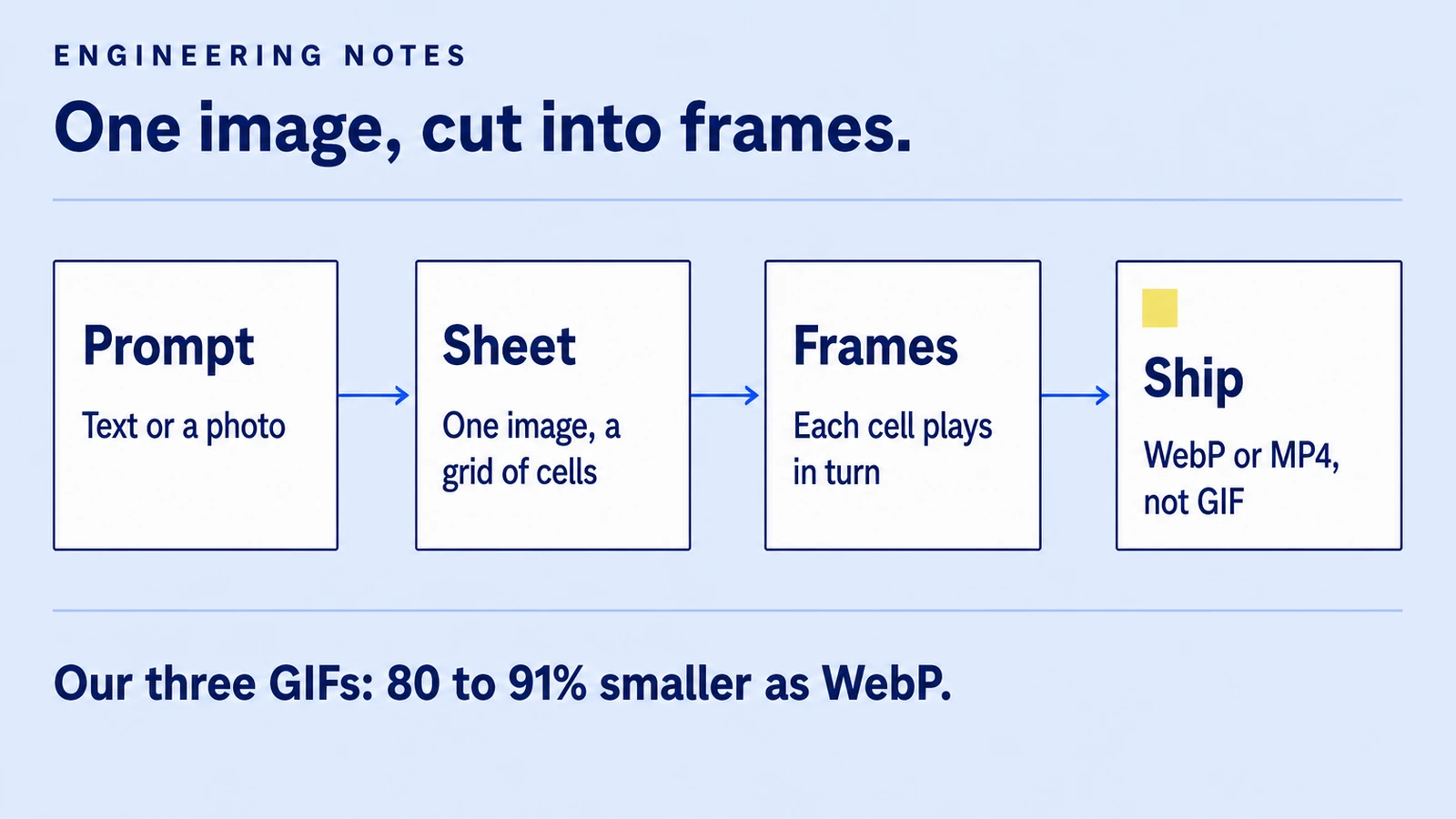
The ChatGPT viewer has two tabs on a GIF: GIF and Sheet. The sheet is the giveaway. It shows one image with every frame laid out in a grid, and the GIF plays the cells in order. In other words, what you get is a contact sheet turned into an animation.
For my first prompt, a robot rabbit turning to the camera, the sheet was a 1,448 × 1,086 image with 12 cells in four columns and three rows. The GIF was 12 frames of 358 × 358 at 220 ms each: 2.64 seconds, 549 KB. The second, a mug turning to show its handle, was a 1,774 × 887 sheet, 8 frames of 439 × 439 at 300 ms, 567 KB.
That explains three things I noticed:
- Both GIFs came back square, though both prompts asked for 16:9. My guess is that square cells are the layout the app's grid prefers.
- Frames are small. Twelve cells share one image's pixels, so each frame is a fraction of a full image.
- Frame-to-frame consistency is good. The rabbit is the same rabbit in every cell, which is the hard part of AI animation. Drawing all frames in one image is a plausible reason; OpenAI hasn't said how it works.
It also makes the per-frame Edit button make sense: you're editing one cell of one image. Both loops closed cleanly, last frame back on the first, because I asked for it in the prompt.
The API: four fields that matter
The Image API documents GIF output on POST /v1/images/generations. These are the fields from OpenAI's guide:
| Field | Values | Default |
| --- | --- | --- |
| output_format | "gif" | — |
| frame_count | 2 to 64 frames | 9 |
| frame_duration_ms | 20 to 2,000 ms, rounded to 10 ms | 200 |
| size | auto or WIDTHxHEIGHT, multiples of 16, per frame | auto |
The guide also lists what GIF output doesn't support: streaming, partial images, custom output_compression and the prompt rewriter. The edit endpoint doesn't do GIFs at all, and frame count times frame size has to fit the model's pixel budget.
My call, with the prompt shortened here and the model ID gpt-image-2.6-sunburst as /v1/models listed it on my key:
import base64, os, requests

r = requests.post(
    "https://api.openai.com/v1/images/generations",
    headers={"Authorization": f"Bearer {os.environ['OPENAI_API_KEY']}"},
    json={
        "model": "gpt-image-2.6-sunburst",
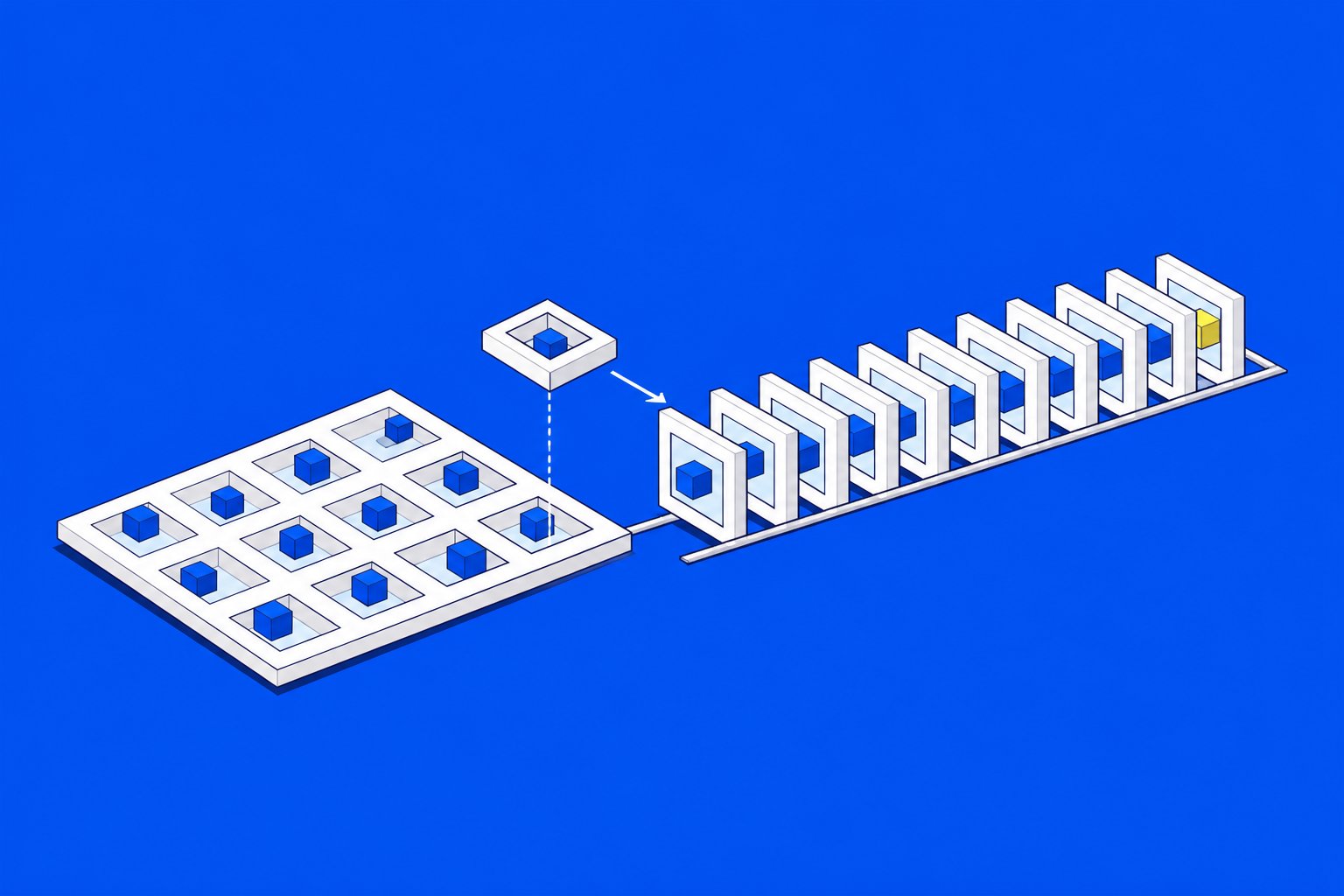
        "prompt": "Isometric cut-paper cubes on cobalt assemble into one larger cube; "
                  "a pale yellow cube lands on top. Seamless loop, no text.",
        "output_format": "gif",
        "frame_count": 12,
        "frame_duration_ms": 160,
        "size": "1024x576",
    },
    timeout=600,
)
open("loop.gif", "wb").write(base64.b64decode(r.json()["data"][0]["b64_json"]))
It took 36.1 seconds and returned 12 frames of 1,024 × 576, 1.92 seconds, 866 KB. The response reported 5,752 output image tokens and "quality": "medium". Unlike the app, the API honoured the 16:9 size I asked for.
The loop isn't seamless: the last frame is the finished cube and the first is scattered blocks, so it jumps. My prompt asked for a gentle reset at the end, and it didn't draw one. If the loop matters, check the last frame against the first before you ship.
Why I never ship the GIF
GIF is a 1987 format with 256 colours per frame and weak compression. Here are the same three files converted with Pillow (WebP, quality 80) and ffmpeg (H.264, CRF 23):
| File | GIF | WebP | MP4 | | --- | --- | --- | --- | | Rabbit, app | 549 KB | 111 KB (−80%) | 86 KB (−84%) | | Mug, app | 567 KB | 50 KB (−91%) | 68 KB (−88%) | | Cubes, API | 866 KB | 159 KB (−82%) | 112 KB (−87%) |
ffmpeg -i loop.gif -movflags +faststart -pix_fmt yuv420p \
  -vf "scale=trunc(iw/2)*2:trunc(ih/2)*2" -c:v libx264 -crf 23 -an loop.mp4
The scale filter is there because H.264 with 4:2:0 chroma needs even dimensions. An MP4 goes in <video autoplay muted loop playsinline>; an animated WebP goes in a plain <img>, which is what this site's Markdown renders, so the cubes above are a WebP.
One more rule I follow: a loop that starts by itself and runs past five seconds needs a way to pause it (WCAG 2.2, Pause, Stop, Hide). An <img> has no pause button, so the WebP above plays twice, 3.84 seconds, and stops. Where I use <video>, it gets controls.
What I'd use it for
- Small product and UI loops, where one object does one thing: a lid opens, a toggle flips, a card slides in. The single-sheet approach keeps the object consistent.
- Placeholders and storyboards for a motion designer, since the sheet is a contact sheet for free.
- Batch jobs through the API, where I can set the frame count, timing and size instead of getting a square.
What I wouldn't: anything with text in the frames, anything longer than a few seconds, or a hero animation that has to look the same on every load. For a page that has to load fast, the conversion step above isn't optional.
For the store side of this, what a GIF should and shouldn't do on a product page or in an email, JAMAK has a practical guide with the same files.