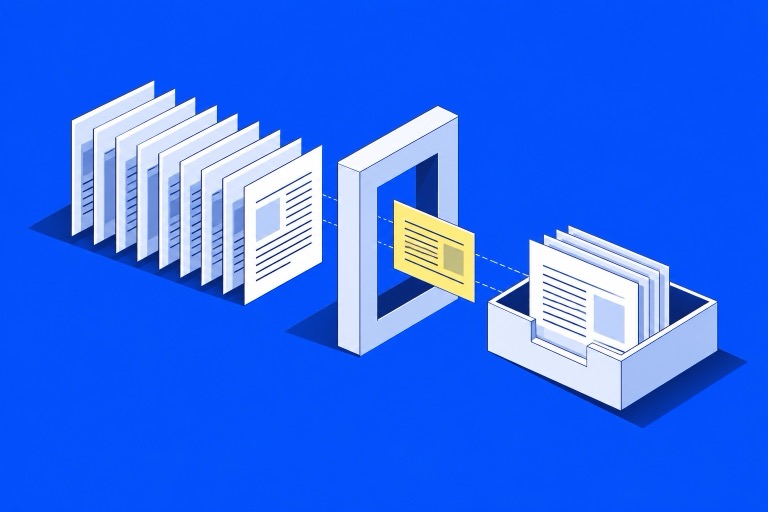

An AI feature is ready for production when the team can explain what it is allowed to do, show how it behaves on representative inputs, and recover when it fails. A convincing demonstration is useful evidence of possibility. It does not establish reliability.
This guide proposes a release checklist for a small team shipping its first AI feature. The examples are hypothetical acceptance criteria, not client results or industry benchmarks.
Start with a bounded job
Write one sentence that names the input, output, and allowed action. For example: “Given a support conversation and the approved help center, draft a reply with source links for a support agent to review.” That is a testable product contract. “Handle customer support” leaves too many decisions unspecified.
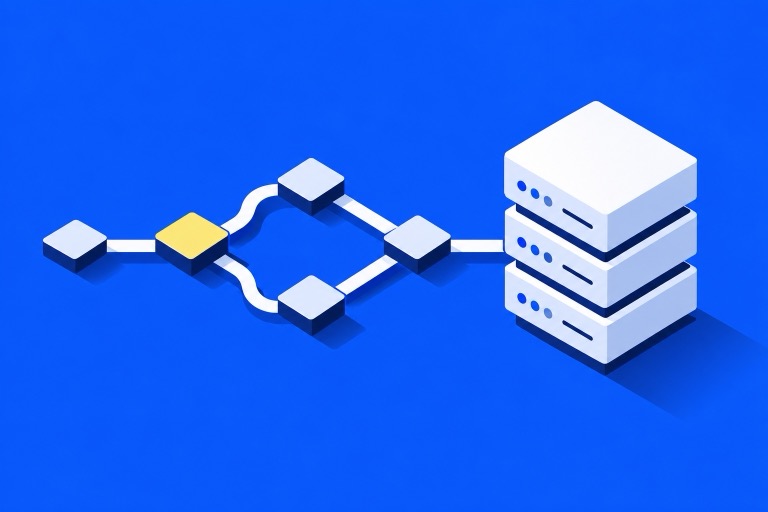
Decide whether the system needs an agent at all. A fixed sequence of retrieval, drafting, and review may be enough. Anthropic distinguishes predefined workflows from agents that choose their own process and tools, and recommends starting with the simplest design that works. Read Anthropic’s architecture guidance.
For the support example, keep refunds and account changes outside the draft-generation step. Add those capabilities only when their authorization and failure behavior have their own acceptance criteria.
Build a release dataset before polishing prompts
Create a small, versioned set of realistic requests. Include routine questions, missing information, conflicting documents, hostile instructions inside retrieved text, and requests the product must decline or hand off. Remove personal data before turning real conversations into fixtures.
For each case, record:
- The relevant source material and its version.
- The facts the response must include.
- Claims it must not invent.
- Whether the correct behavior is an answer, clarification, or escalation.
- Which tool calls, if any, are permitted.
OpenAI’s evaluation documentation describes defining a task, running test inputs, and analyzing results to improve the application. The dataset should represent your product’s actual job. See the evaluation guide.
An overall score can hide a serious error. Review failure categories separately: an awkward sentence and an unauthorized refund are different release decisions. Keep a held-out set so repeatedly tuning the same examples does not become the definition of success.
Give tool access a narrow boundary
Treat model output as a proposal to the application. The server should validate arguments, check the current user’s permissions, and decide whether the operation is allowed. A prompt saying “only access this customer’s orders” is not an access-control implementation.
For a draft-only assistant, the simplest boundary is no write access. If a later version can create a support ticket, require a valid account context, limit editable fields, and make retries safe. A timeout after ticket creation should not create a second ticket when the request is repeated.
Retrieved pages and uploaded files are untrusted input. Instructions embedded in them must not override the product’s permissions or approval rules. Test that boundary with deliberately adversarial documents.
Design the failure path as part of the product
Write the user experience for a provider timeout, unavailable source, empty retrieval result, and invalid tool response. Avoid silently converting a failed request into an authoritative-looking answer.
For the support assistant, a reasonable fallback is to preserve the conversation and show “Draft unavailable; continue manually.” If evidence is missing, ask for clarification or hand off the case. Streaming partial text does not mean the operation completed successfully.
Log enough to investigate: request identifier, model and prompt version, retrieved document identifiers, tool outcomes, latency, and usage. Define retention and redaction before collecting production conversations. Debugging should not require indiscriminate storage of sensitive inputs.
Put cost and rollback in the release gate
Choose product-specific limits for input size, output size, tool iterations, and total request duration. Measure typical requests and difficult cases. A short average can conceal expensive loops or a long tail of stalled requests.
Before rollout, verify these actions in a staging environment:
- Disable the feature without redeploying the whole product.
- Restore the previous prompt and model configuration.
- Stop new tool actions while preserving completed work.
- Route failed requests to a usable manual path.
- Identify which users and requests were affected by a release.
Start with a limited audience and a named person reviewing failures. Expand when the evidence supports it. Model changes, retrieval changes, and new tool permissions should trigger another evaluation run.
A concrete go-or-hold decision
Release when the agreed cases pass, consequential failures have been reviewed, and the fallback and rollback have been exercised. Hold when the system can act outside its permissions, invents unsupported answers on important cases, or cannot be disabled cleanly.
This is a proposed engineering standard, not a claim that any model can eliminate errors. For document-heavy features, the next question is whether retrieval is actually helping: see RAG versus fine-tuning. For the broader delivery approach, read AI-assisted Shopify workflows.
FAQ
Do I need an agent for every AI feature?
No. Start with a bounded request or a fixed workflow. Add autonomous tool selection only when the task needs it and you can evaluate the extra behavior.
How many evaluation cases are enough?
There is no universal number. Cover the main tasks and costly failure modes first, then expand the dataset with reviewed production failures. Case coverage matters more than a large collection of near-duplicate prompts.
What should block an AI release?
Unauthorized actions, unsupported consequential claims, missing failure recovery, or inability to stop the feature should block release until addressed. Set the precise criteria before reviewing the final demonstration.