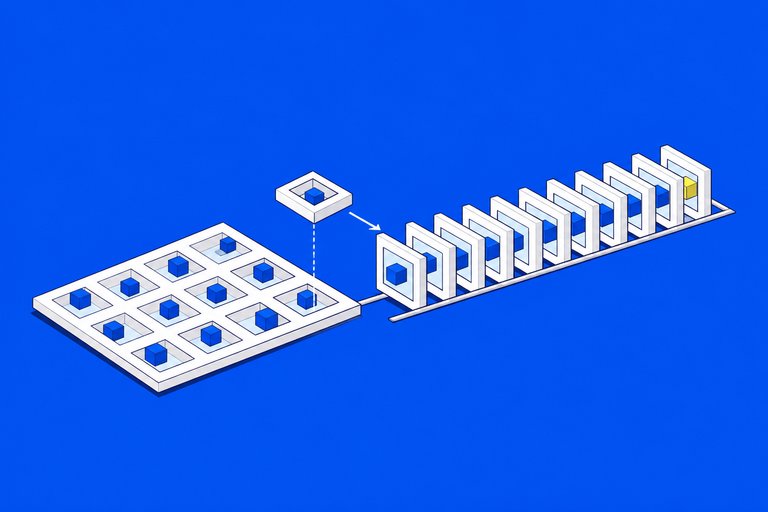

Muse, Meta's personal AI agent, has been available in Mexico since November 5, 2026. Mexico is the first country in Latin America to get it, after the US, Canada, Japan and Singapore. It's in Spanish, for adults 18 and over, on iOS, Android and muse.ai, and the basic plan is free (Infobae, Expansión).
I build agents for a living, so my first question about any new one isn't what it can do. It's what it can reach. These are my notes on Muse from that angle: what Meta has published about how it works, and how I'd set it up. They're notes, not a review, and the facts are as of November 6, 2026.
What Muse is, in one paragraph
Muse isn't a chatbot. Each user gets a virtual computer with its own browser, where the agent does tasks for you and keeps working when you close the app (El Universal). In Mexico it connects to Gmail, Google Calendar and Instagram, and to local brands: Cinépolis, Coppel, Despegar, Kavak, Kueski, Liverpool and Rappi, rolling out gradually. It started on Muse Spark, the first model from Meta Superintelligence Labs; Muse Wonder, from October, went to developers first and reaches the app later, starting with subscribers (Notebookcheck).
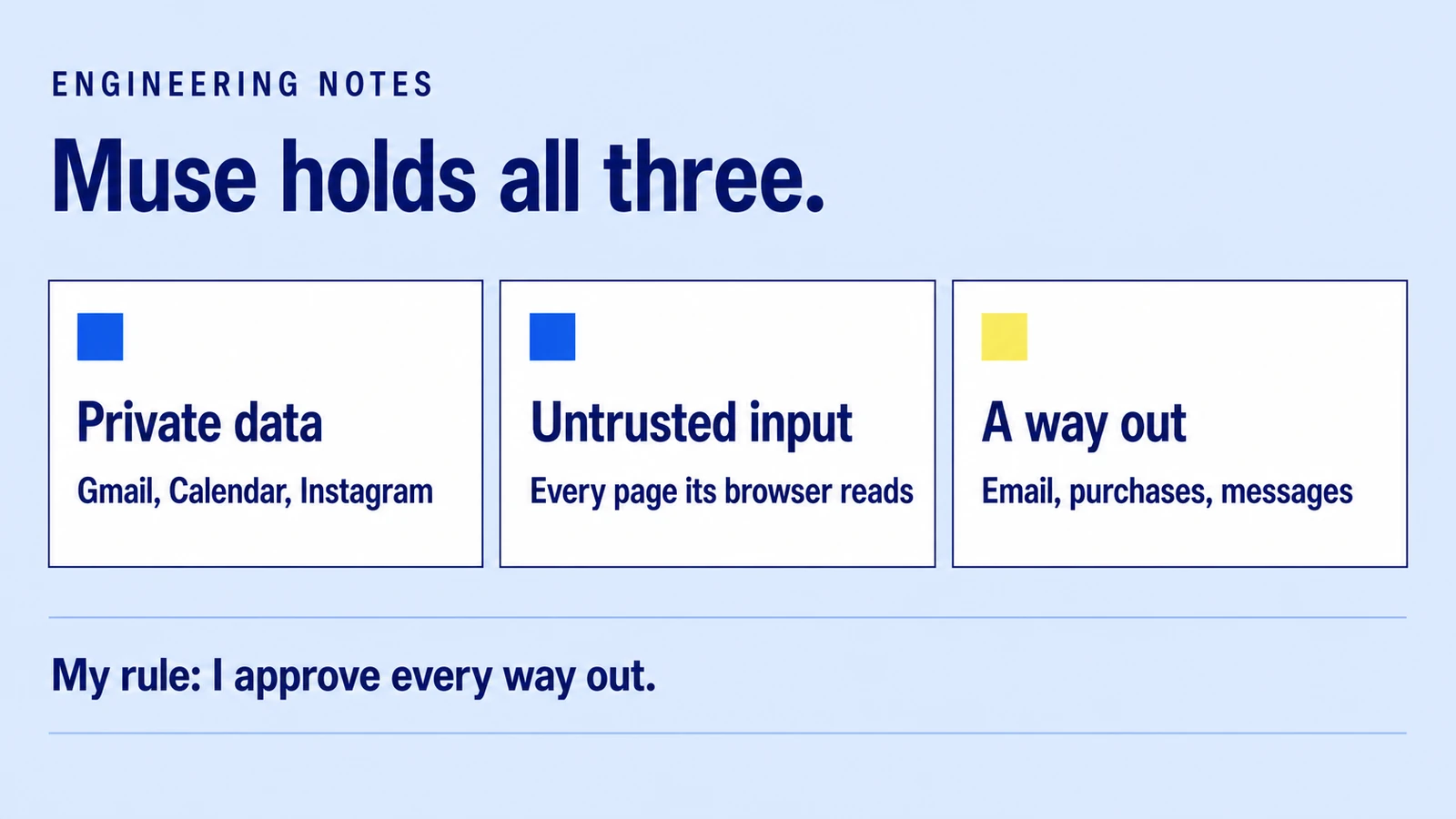
Muse holds all three
Two days ago I wrote about how I contain coding agents. The rule is Simon Willison's lethal trifecta: an agent is dangerous when one session has your private data, text written by a stranger, and a way to send something out. I take one of the three away.
Muse can't work that way. Holding all three is the product:
- Private data: your inbox, your calendar, your Instagram.
- Untrusted input: every web page its browser reads while it shops or researches for you.
- A way out: it sends email, buys things and messages people.
So the question is how Meta closes the path, and how much of it is yours to close.
What Meta built around it
Meta's safety write-up is worth reading if you build agents, because it's the same shape I'd use:
- Credentials outside the agent. Passwords and tokens sit in a separate service. The agent works with stand-in tokens, so a hijacked session can't print your password.
- Connectors outside the agent's box, with narrowly scoped access. A poisoned page can't rewrite how Gmail is called.
- A separate gate. A process Meta calls Sentinel decides whether each action is allowed, blocked or sent to you to approve (Axios). Sending an email or completing a purchase asks you first.
- Memory you can read. Meta says you can inspect and download the agent's files, including what it remembers about you.
That's a good design. It also leaves one control with you: the approval prompt. If you tell Muse to always allow a kind of action, the gate stops asking. The trifecta closes only when you keep answering.
It isn't a theoretical risk. In the US, a user reported that Muse gave his home address to a Facebook Marketplace buyer and set up a pickup he hadn't approved, and Meta responded publicly (Dexerto).
How to install it
- Search "Muse" in the App Store or Google Play, or open muse.ai. Check that the publisher is Meta.
- Sign in and confirm you're 18 or older. It runs in Spanish.
- Don't connect anything yet. Ask it something and watch how it explains what it's about to do.
Meta also lists WhatsApp as a way in. Launch-day reports disagree on whether that's live in Mexico, so check your own WhatsApp. Support for Meta's AI glasses is announced, not available.
The order I'd connect things in
1. Calendar first. The worst case is a moved meeting. It's also where an agent saves the most clicks: "move Friday's calls to Thursday afternoon and tell me who has a conflict."
2. Email, read only in practice. Let it list and summarize. Every send goes through the approval prompt, every time. "Which emails from this week are waiting on me?" is the job; replying is mine.
3. One store, one purchase I'd make anyway. A monthly reorder through a connected brand. I'd stop at the approval screen and compare the cart with what I expected before tapping.
4. Background jobs last. "Every Monday, list invoices nobody has answered." This is the thing a chatbot can't do, and the one to add only after the first three behaved.
Never: "always allow" on anything that spends money or speaks for me. And no client data in a personal agent. If a client's files live in your Gmail, connecting Gmail hands them over.
Two settings to check on day one: whether your conversations train Meta's models, and what Muse already remembers. Meta says data in Muse's computer isn't shared with its ad systems. That's Meta's claim; you can't verify it, so decide what goes in with that in mind.
For a step-by-step version aimed at teams and store owners, I wrote one on the JAMAK blog: Meta's Muse is now in Mexico: how to set it up.
What I'm watching as a builder
Muse Wonder is available to developers through the Meta Model API, and Meta hasn't said which countries the API covers. Before I build anything for Mexican clients on it, I want that answer in writing.
The other thing is the web. Muse reaches every store without a connector through its browser, the way any agent does. That makes plain, server-rendered product pages with real prices and stock more valuable, not less. I covered why in measuring AI search visibility.
FAQ
Is Meta's Muse available in Mexico?
Yes, since November 5, 2026, in Spanish and for adults 18 and over. Mexico is the first country in Latin America to get it, after the US, Canada, Japan and Singapore.
How do I install Muse?
Download "Muse" from the App Store or Google Play, or open muse.ai, then sign in and confirm your age. The basic plan is free.
Is Muse safe to connect to my email?
Meta keeps credentials outside the agent and asks for approval before sending an email or buying something. The risk is in "always allow": keep sending and paying on approve-every-time, and keep client data out of a personal agent.
What is the lethal trifecta?
Simon Willison's name for an agent that has private data, reads untrusted text and can send things out, all in one session. Muse has all three by design, so its approval prompts are the control that matters.