
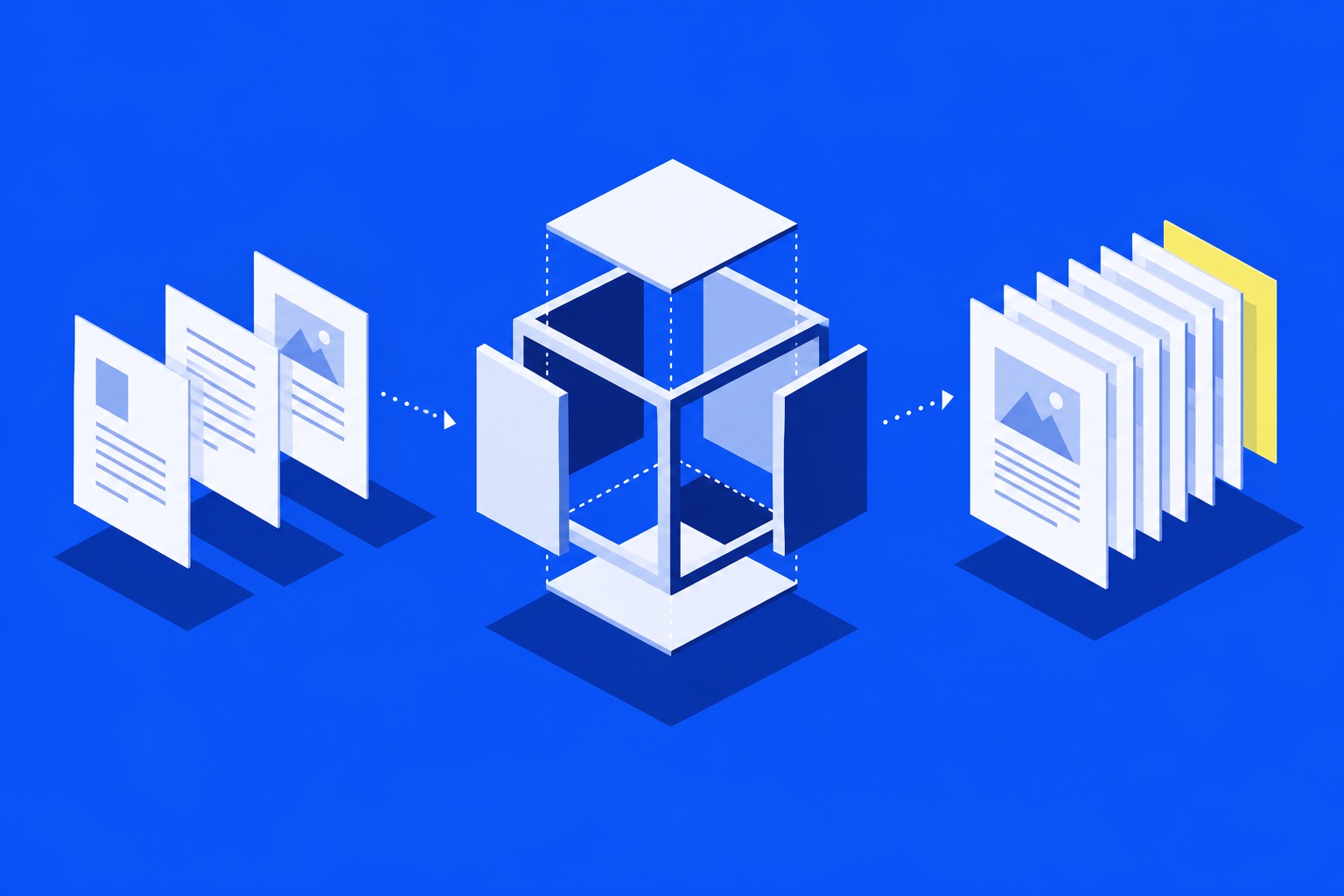
This blog runs with no backend.
Content is loaded from markdown files inside the repository, and images live in public/images/blog.
That gives you:
- Version-controlled content with Git.
- Easy edits in pull requests.
- Fast static deploys in Vercel.
Why a static host is not enough
A Vite application can be hosted as static files while still requiring JavaScript to display its articles. In that setup, the initial HTML may contain only the application shell. A crawler or link-preview service that does not execute JavaScript can miss the post.
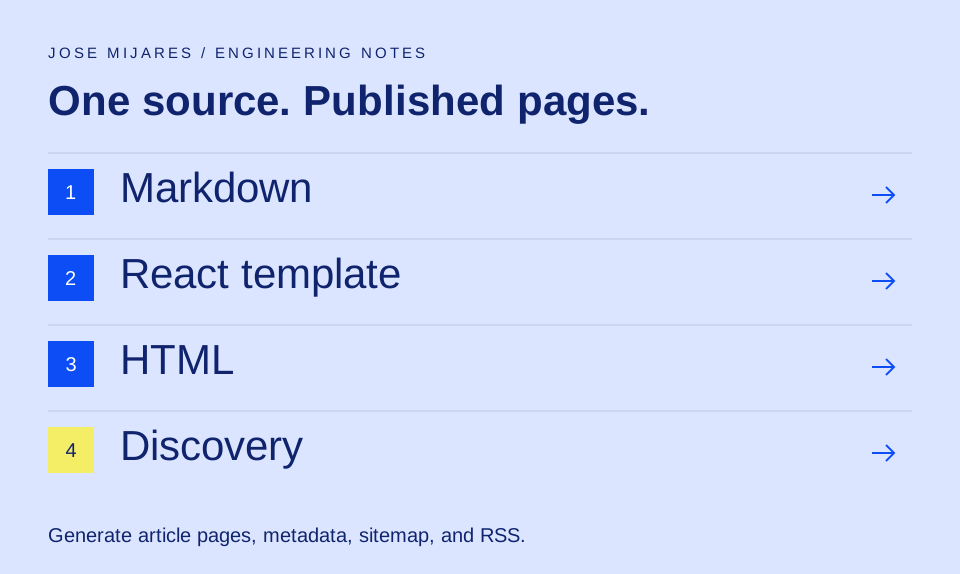
Google recommends considering server rendering or prerendering, noting that not every bot can run JavaScript. This blog now generates the archive and each published article as HTML during the build. The browser application still provides navigation and filtering.
One article source, one layout
Each Markdown file supplies a title, publication date, excerpt, tags, language, and optional cover image. An optional updated date records a substantive revision without pretending the article was first published today.
The build uses the same React article template as the browser. That keeps headings, source links, author details, reading time, and related articles consistent. The table of contents comes from the Markdown headings, so an editor does not have to maintain a separate list of anchors.
What the build generates
- An HTML archive and one HTML file per published article.
- A unique title, description, canonical URL, and social metadata for each page.
- BlogPosting and breadcrumb structured data using the article’s visible facts.
- A sitemap and RSS feed generated from the published-post collection.
- Updated article entries in the supplementary machine-readable index.
The supplementary index is documentation, not a requirement for AI-search inclusion. Crawlable pages and useful content remain the foundation.
A practical publishing check
Add a Markdown file, run the production build, and inspect the resulting article without JavaScript. Check that source links support the claims, the date is accurate, and the title does not promise more than the article delivers.
Then inspect the page at mobile width and follow its table of contents and related links. Push only the reviewed content and assets through the normal deployment workflow. A successful local build establishes that files were generated; the deployed URL still needs its own check.
For the content side, see the SEO and GEO page structure guide.