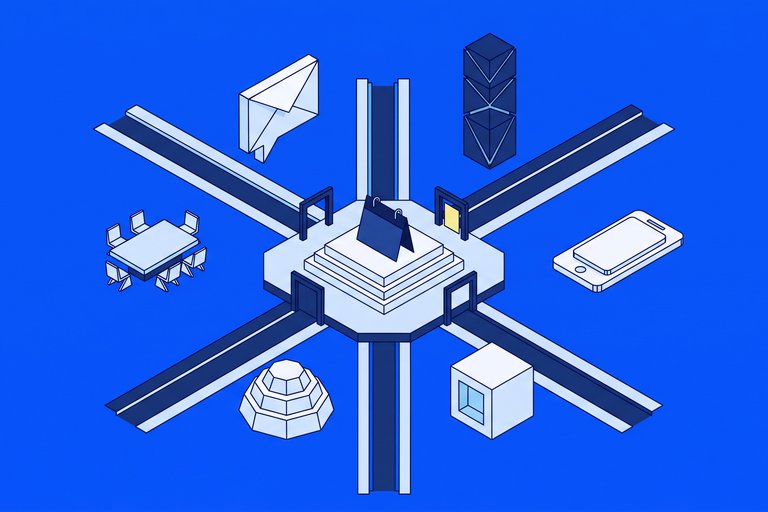

You don't need a team plan to put a Grok Bot in Slack. A personal Bot connects to Slack from Connect apps, and from then on it reads and posts as you, in the channels you can already post in. What it prepares for Slack waits as a draft until you send it. A Team Bot, with its own Slack name and handle, needs a Teams or Enterprise plan.
That's the feature. These notes are about the part I care about as someone who builds agents: whose identity the Bot uses, and what else that identity can reach. The facts come from xAI's Grok Bot docs and launch coverage, as of November 10, 2026, and the product changes weekly, so check the changelog before relying on a detail.
What Grok Bot is, briefly
Grok Bot is xAI's agent product, in public beta since August 11, 2026. Each Bot works on its own cloud computer with a browser, files and app connections, and keeps going after you close the app (Unite.AI). You message it from the desktop or phone app, and you can teach it a routine by doing the job once.
Two ways into Slack, two identities
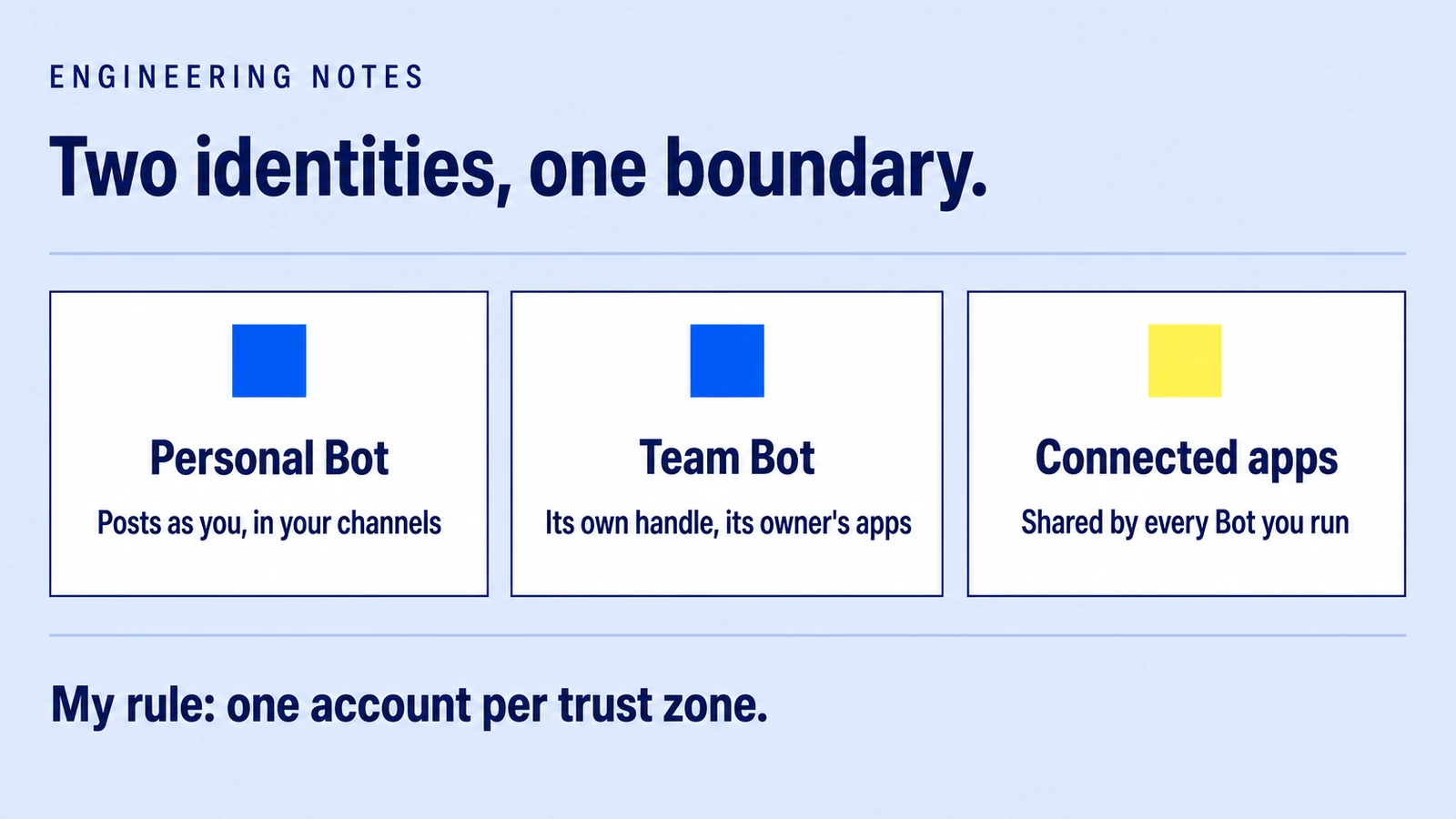
A personal Bot borrows yours. xAI's docs are direct about it: "the app posts as the Slack user you connected, not as a separate bot that has to be invited," and it can post only where that user can (xAI, Use the computer and apps). To everyone else in the workspace, its message is your message. There's no bot badge to explain a mistake.
A Team Bot gets its own. Team Bots went into public beta on September 28, 2026 (xAI). A shared Bot gets its own Slack app and handle, a Slack admin may have to approve it, and each teammate links their own Slack account. In channels, it uses only its owner's apps and asks before it uses yours, and an approval card in a thread can be answered only by the person who asked (xAI, Shared Bots; Approvals, security and privacy). Replies are billed to the person being answered.
There's a third thing with a similar name, Grok for Slack, a separate app an admin installs with an xAI API key (slack.hooks.x.ai). It isn't the agent.
The boundary is the account, not the Bot
This is the line in the docs I'd read twice: an app you connect is available to every Bot you run. So "my reporting Bot has Slack, my finance Bot has my bank" isn't two boundaries. It's one account holding both, and any Bot on it can reach either.
That's the setup behind the one public incident I know of. XMTP Labs CEO Shane Mac described a Grok Bot posting his bank balances in a company Slack channel, and said a second Bot held the Slack access. His account hasn't been independently verified, and reports disagree on the cause (Let's Data Science). Whatever happened in his case, the shape is the lethal trifecta again: private data, text from strangers (every Slack channel is that), and a way out (a message with your name on it), all in one place.
The order I'd set it up in
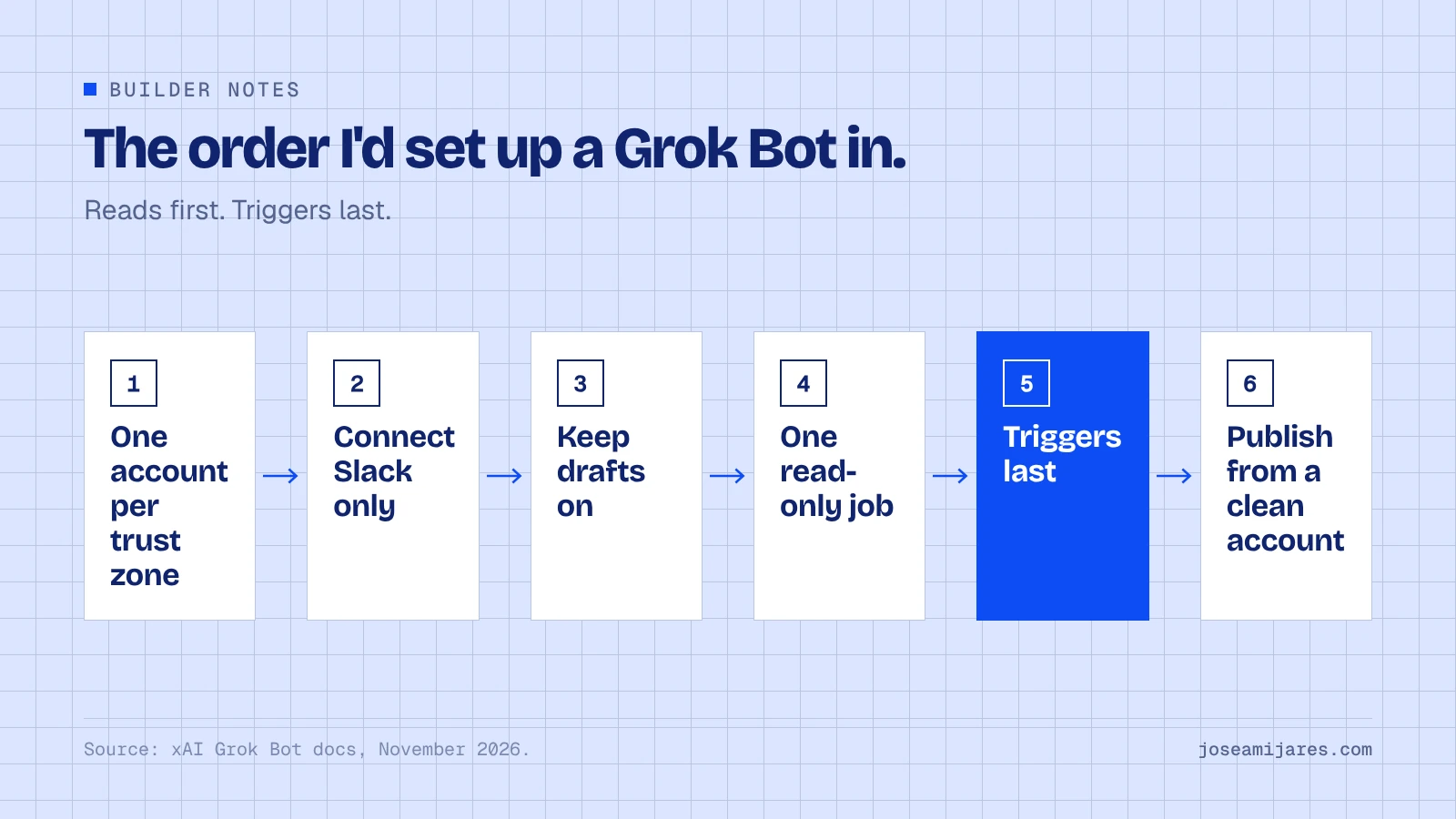
- One account per trust zone. Work Slack and anything that touches money or personal mail don't share an account. That's the only boundary that holds, because apps are account-wide.
- Connect Slack and nothing else at first. Connect apps, Slack, one workspace. A second workspace is a second connection.
- Keep drafts on. A per-Bot setting can turn them off. I wouldn't, for anything that posts in a channel other people read.
- One channel, one read-only job. A morning summary of the channels I missed, drafted to me. It reads; it doesn't reply.
- Triggers last. Routines can start from a Slack message that matches a phrase (xAI, Skills and routines). That's a stranger's text starting your agent, so it comes after I've read a few weeks of its drafts, and only on a channel I trust.
- Publish to the team only from a clean account. A Team Bot uses its owner's apps, so the owner's connections become everyone's exposure. Publish from an account that holds nothing but what the team needs.
What I'm watching as a builder
Posting as the user is the easy integration and the hard audit. Slack shows no difference between what I typed and what my Bot sent, so the record of which was which lives in Grok Bot, not in the workspace. When I build agents that speak for someone, I'd rather they have their own identity with narrow permissions, and that's what Team Bots are. The personal route is the convenient one, so it's the one most people will use first.
If you're comparing personal agents, my notes on setting up Meta's Muse permissions first cover the same question for an agent that shops.
FAQ
Can I add a Grok Bot to Slack without a team plan?
Yes. A personal Grok Bot connects to Slack through the Slack app in Connect apps and posts as you, in channels you can post in. A Team Bot with its own Slack name and handle needs a Teams or Enterprise plan.
Does a personal Grok Bot show up as its own member in Slack?
No. xAI's docs say the Slack app posts as the Slack user who connected it, not as a separate bot that has to be invited.
Are a Grok Bot's connected apps limited to that Bot?
No. xAI's docs say a connected app is available to every Bot you run on the account. Separate accounts are the boundary, not separate Bots.
Will Grok Bot post in Slack without asking?
By default, messages it prepares for Slack wait as drafts you review and send. A per-Bot setting can turn drafts off.